
- PlainJPG
- AVIF to JPG or PNG
Converter for Windows 10 & 11AVIF to JPG or PNG, in one drop.
PlainJPG converts AVIF images saved from websites into plain JPG, or PNG when they are transparent, one file or whole folders, on your Windows PC. Metadata and file dates are kept. Nothing is uploaded.
Free for 25 images · then $15, once · uses Microsoft's free AV1 codec
What AVIF is and why you keep getting it
AVIF is an image format built on the AV1 video codec, backed by Google, Netflix, Apple, Microsoft and Mozilla. At the same visual quality it is about half the size of a JPG and smaller than WebP, so news sites, shops and image CDNs serve it to any browser that can show it, which is every current one. Right-click, Save image, and you get .avif.
Outside the browser almost nothing opens it yet. Windows Photos and Paint need Microsoft's AV1 extension; older image editors, Office, print services and upload forms do not know the format at all. A plain JPG or PNG solves that for good.
How to convert AVIF to JPG on Windows with PlainJPG
- Install PlainJPG (free download, Windows 10 and 11, x64 and ARM64).
- Install the AV1 Video Extension, once. It is free on the Microsoft Store; PlainJPG checks on launch and shows a one-click link if it is missing. Photos and Paint start opening AVIF too.
- Drop the files or folders on the window, or right-click an
.avifin File Explorer and choose Convert to JPG with PlainJPG. - Pick the output: JPG with a quality slider, PNG, or Auto, which writes PNG only for images with transparent pixels.
- Click Convert. The copies land next to the originals (or in the folder you chose) with the same names and the same dates.
AVIF to PNG: for transparent images and graphics
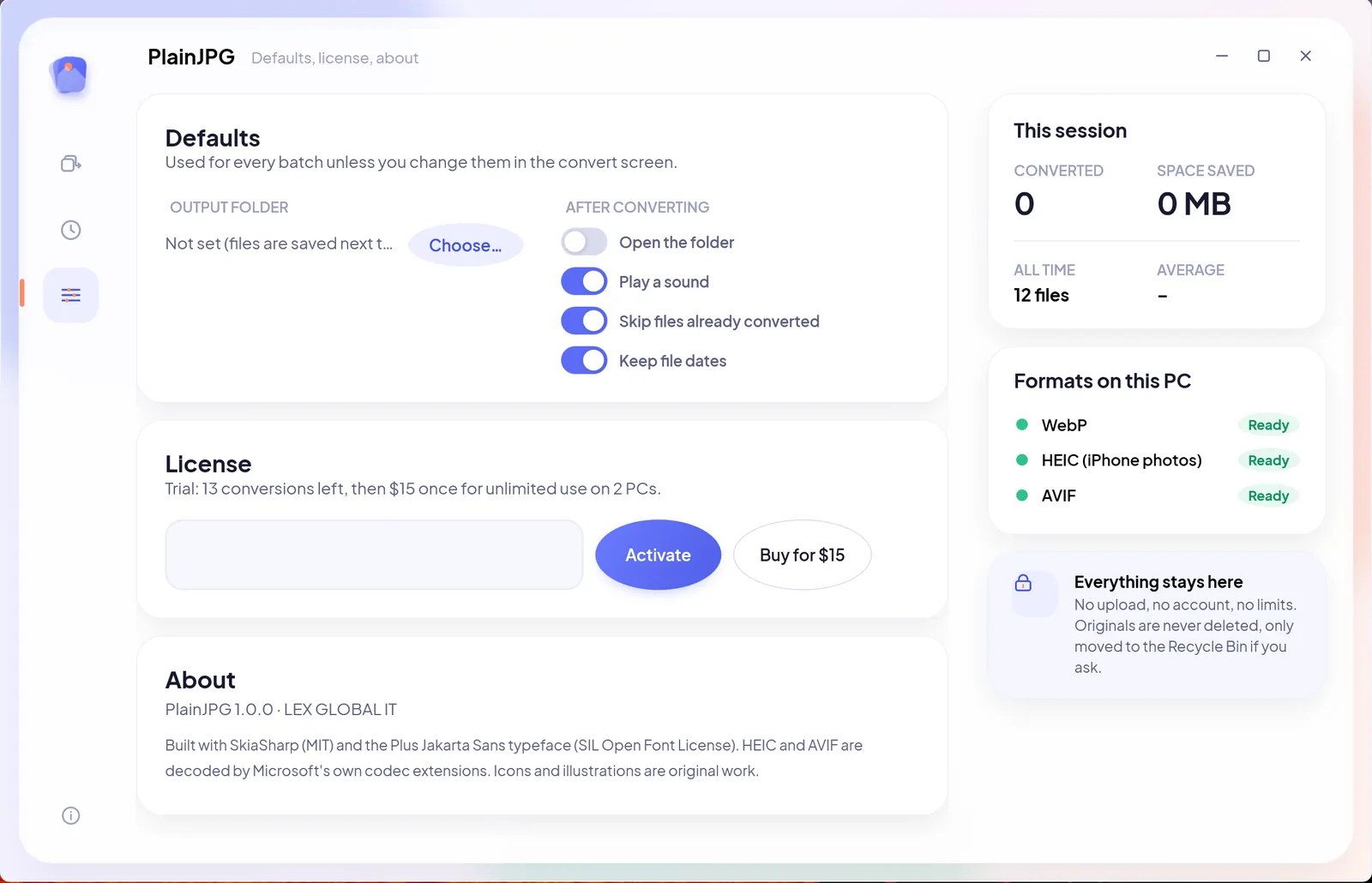
AVIF can carry transparency, and JPG cannot. For logos, icons and cut-outs choose PNG, or leave the output on Auto and PlainJPG will choose PNG for any image with transparent pixels and JPG for photos. PNG is lossless; JPG at the default quality 92 is visually identical for photographs and much smaller.
What the JPG keeps from the AVIF
- EXIF and XMP metadata, when the AVIF carried any (photos exported from editors often do): date, camera, copyright, keywords.
- Orientation, corrected so the image is upright in every program.
- File dates: created and modified, copied from the original.
- Every pixel: no resizing, no watermark, full resolution.
AVIF to JPG questions
How do I convert AVIF to JPG on Windows?
Install Microsoft's free AV1 Video Extension (PlainJPG links to it when it is missing), then drop the AVIF files or their folder on PlainJPG, set the output to JPG and click Convert. Each AVIF becomes a JPG with the same name next to the original.
What is an AVIF file and why did a website give me one?
AVIF is an image format based on the AV1 video codec, the smallest of the modern web formats. Sites serve it to save bandwidth, and the browser saves what it was sent. Few programs outside browsers open it yet.
Can I convert AVIF to PNG instead?
Yes. Set the output to PNG, or leave Auto on: it writes PNG for transparent images and JPG for the rest.
Is the AV1 Video Extension free?
Yes, it is free on the Microsoft Store and used by Photos, Paint and PlainJPG alike. On most PCs it decodes AVIF in software; a GPU with AV1 decoding makes it faster.
Does converting AVIF to JPG keep the metadata?
Yes. EXIF and XMP stored in the AVIF are written into the JPG or PNG, orientation is corrected, and the file's dates are copied.

Saved as AVIF. Needed as JPG. Done.
Download PlainJPG for WindowsAlso converts WebP to JPG and HEIC to JPG.