
Explainer · Windows
What is an AVIF file, and how do you open or convert it on Windows?
You saved an image from a website and Windows has no idea what an .avif is. AVIF is a newer, smaller image format that every browser shows and most Windows programs cannot open. Here is what it is, how to open it, and how to convert it to JPG or PNG.
Free for 25 images · then $15 once · no subscription · Buy a licence
Short answer
On Windows, drop the .avif files or their folder on PlainJPG, set the output to JPG and click Convert; each becomes a JPG with the same name next to the original, metadata and file dates kept, with the AV1 decoder built into the app. In a browser, the image can also be copied and pasted into Paint and saved as JPEG, one at a time.
What AVIF is
You did nothing wrong: the file is a real image, in a format most of your programs have never met. AVIF stands for AV1 Image File Format. AV1 is the .avif, with the MIME type image/avif.
Because it borrows a video codec, AVIF has features that older image formats do not: lossy or lossless compression, a transparency channel, animation, 8-, 10- or
Why websites keep giving you AVIF
When a browser asks for an image it tells the server which formats it accepts. News sites, shops and image CDNs keep several versions of every picture and send the smallest one the browser can show. Chrome has accepted AVIF since version 85, Firefox since 93, Safari since 16.1 and Edge since 121, so for almost everyone the smallest version is now AVIF. .avif, even when the address on the page ended in .jpg.
That is fine inside the browser. The trouble starts when the image has to go somewhere else: an older Photoshop, a Word document, a print shop’s upload box, a forum, a CRM, a PowerPoint on a colleague’s laptop. Those expect JPG or PNG, and a folder of collected reference images becomes unusable until it is converted.
AVIF vs WebP vs JPG
| JPG | WebP | AVIF | |
|---|---|---|---|
| From | JPEG committee, 1992 | Google, 2010 | Alliance for Open Media, 2019 |
| Size at the same quality | Baseline | 25 to 35 percent smaller | Around 50 percent smaller |
| Transparency | No | Yes | Yes |
| Animation | No | Yes | Yes |
| Lossless mode | No | Yes | Yes |
| Colour depth, HDR | 8, 10 or | ||
| Largest image | 65,535 px a side | 16,383 px a side | No practical limit |
| Browsers | All | All current | Chrome 85, Firefox 93, Safari 16.1, Edge 121 |
| Windows Photos, out of the box | Yes | With the free WebP Image Extension | With the free HEIF Image Extension and AV1 Video Extension |
| Older editors, Office, upload forms | Yes | Rarely | Almost never |
The pattern is simple. AVIF is the best format for delivering a picture to a browser and the worst for handing one to anything else. JPG is the opposite. WebP sits in between, and most of the same advice applies to it; see how to save a WebP image as JPG.
How to open an AVIF file on Windows 10 and 11
- In a browser: drag the file into Chrome, Edge or Firefox. This always works and needs nothing installed.
- In Photos: install two free Microsoft Store packages, HEIF Image Extension and AV1 Video Extension. Microsoft’s own listing for the HEIF extension says the AV1 package must be installed to view images stored in HEIF files that use the .avif extension. After that Photos, and the Explorer preview pane, show AVIF.
- In everything else: convert it. Older image editors, Office versions, print services and most upload forms do not know the format, and no extension changes that.
How to convert AVIF to JPG or PNG on Windows
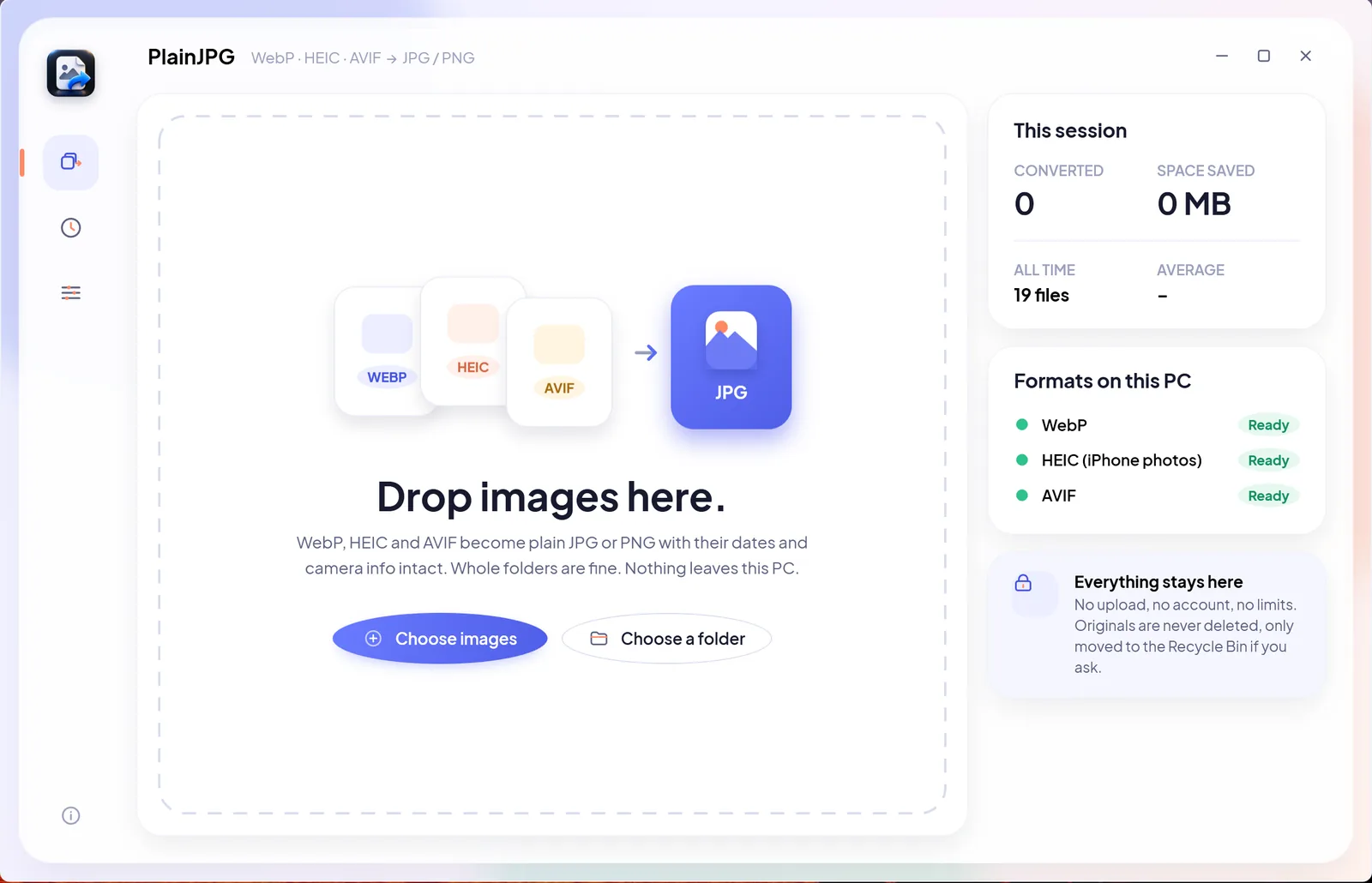
Drop the .avif files on PlainJPG and they come out as JPG or PNG, usable in every program you own, with nothing uploaded. PlainJPG is a $15 Windows app that converts whole folders of HEIC, WebP and AVIF to JPG or PNG on the PC, keeps EXIF and file dates, nothing uploaded. Its AV1 decoder (dav1d) is built in, so it converts AVIF on any Windows 10 or 11 PC without the Store extensions. The first 25 images are free; after that it is $15 once for 2 PCs.
- 1
Install PlainJPG
From the free download (Windows 10 version 2004 or later and Windows 11, x64 and ARM64).
- 2
Drop the .avif files or their folder
Drag them onto the PlainJPG window, or
right-click an.avifin File Explorer and choose Convert to JPG with PlainJPG. - 3
Pick the output
JPG for photos (quality 92 by default), PNG for logos and
cut-outs with transparency, or Auto, which writes PNG only for images with transparent pixels. - 4
Click Convert
The copies land next to the originals with the same names and dates; any EXIF or XMP the AVIF carried is written into them.
Two free alternatives for a single file: open the AVIF in a browser, magick picture.avif picture.jpg. Both are one file at a time and neither copies the file’s dates. The full guide, with what the JPG keeps, is on the AVIF to JPG page; a licence is $15 once for two PCs.
Does converting AVIF to JPG lose quality?
An AVIF saved from a website is almost always lossy already, so there is no perfect original to get back. A converter decodes the pixels once and writes them as JPG at the quality you choose; at PlainJPG’s default of 92 the difference is invisible for photographs, and PNG is lossless if the image is a graphic. The JPG will be larger than the AVIF, often two or three times larger, which is not a fault: AVIF simply packs pixels tighter, and that is the whole reason websites use it. The pixel count never changes.
AVIF questions
How do I convert AVIF to JPG?
On Windows, drop the .avif files or their folder on PlainJPG, set the output to JPG and click Convert; each becomes a JPG with the same name next to the original, metadata and file dates kept, with the AV1 decoder built into the app. In a browser, the image can also be copied and pasted into Paint and saved as JPEG, one at a time.
What program can open an AVIF file?
Every current browser: Chrome from version 85, Firefox from 93, Safari from 16.1 and Edge from 121. Windows Photos opens AVIF once Microsoft’s free HEIF Image Extension and AV1 Video Extension are installed from the Store. Most older editors, Office versions and upload forms do not, which is why people convert it.
Is AVIF better than JPEG?
For delivery on the web, yes: at the same visual quality an AVIF is roughly half the size of a JPEG, and it adds transparency, animation, lossless mode and 10- and
Why are images saving as AVIF files?
Because the website decided to send AVIF. Browsers tell servers which formats they accept, and sites and image CDNs answer with the smallest one the browser can show. Save image as gives you whatever was sent, so a page that looked like it had JPGs hands you .avif files.
What is the difference between AVIF and WebP?
Both are modern web formats smaller than JPG. WebP is Google’s format from 2010, 25 to 35 percent smaller than JPEG,
Are AVIF files safe?
An AVIF is an image, not a program; opening one cannot run code by itself, any more than a JPG can. The only risk is the one every image format shares: a bug in a decoder. Keep the browser and Windows updated, be suspicious of a file that claims to be an image but has a double extension like .avif.exe, and you are as safe with AVIF as with JPG.

Saved as AVIF. Needed as JPG. One drop.
The newest web format, turned into files every app opens, on your own PC. Try it on 25 images first.
Download PlainJPG freeBought a licence? Paste the key in Settings → Licence. Also: WebP to JPG · HEIC to JPG · save a WebP as JPG